

What do you need to do with your paper today?
Step-by-step guides for InSecLab Papers researchers, lab heads and admins, with screenshots from the real app.
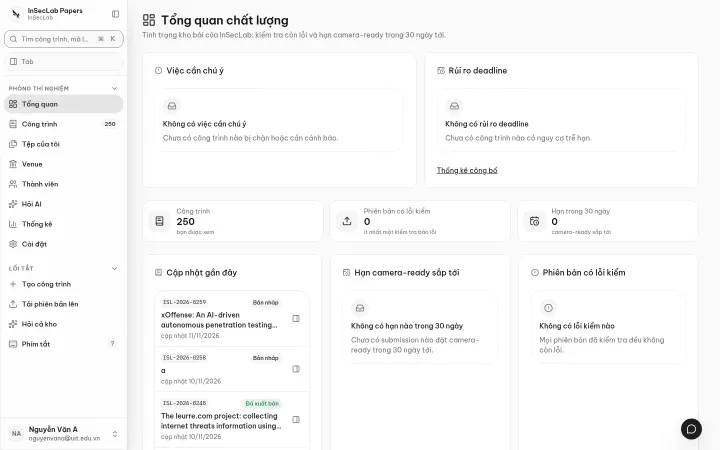
Start by role
Section titled “Start by role”Researchers
Create works, upload versions, read check results and answer comments.
17 guidesLab head and admins
Invite members, manage venues, read statistics, configure AI and Turnitin.
17 guidesFrom your machine
Push papers with the papers CLI, connect Claude or Cursor over MCP.
2 integrationsQuick start in four steps
Section titled “Quick start in four steps”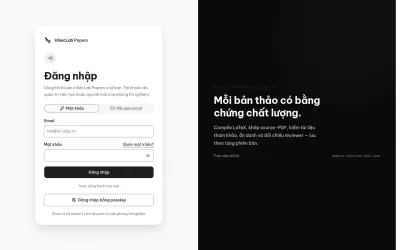
Sign in
Sign in with a password, an email code or a passkey, then turn on 2FA.
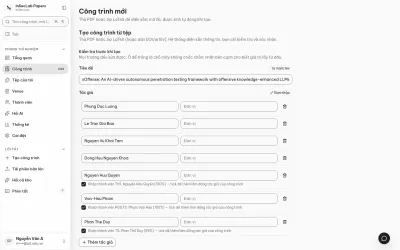
Create a work
Drop a PDF and a LaTeX zip; title, authors and venue are filled in for you.
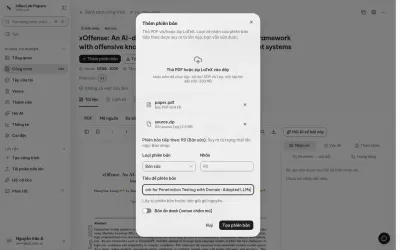
Add a version
Every upload is a new, immutable version; checks run on their own.
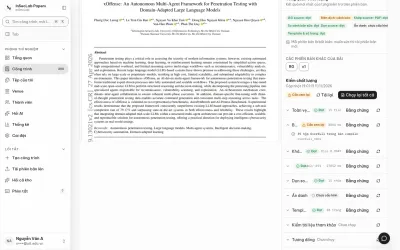
Read check results
Ten checks with evidence: compile, PDF match, latexdiff, anonymity…
Guides by topic
Section titled “Guides by topic”Work page
PDF, source, latexdiff comparison, history and details.
PDF comments
Highlight to comment, reply, mark as resolved.
Reviewer matching
Import reviews and let AI match them against your edits.
Ask AI
Ask about one paper or the whole repository, with section citations.
My files
Private file storage, 30-day trash, versions from files.
Connect over MCP
Use Claude Code, Claude Desktop or Cursor with the repository.
What InSecLab Papers is
Section titled “What InSecLab Papers is”InSecLab Papers is the internal paper repository of InSecLab (Faculty of Information Security, UIT). Each paper is a work with a code ISL-YYYY-NNNN; each upload is an immutable version with a quality report: LaTeX compilation, source-vs-submitted-PDF match, latexdiff comparison, source cleanup, anonymity, template and page count, reference check, similarity and reviewer cross-check. The app runs at papers-inseclab.khoi.pro.
There is no version approval step: to change something, upload a new version. Every AI surface is labelled as AI and never edits version data. See Work page.