

Overview page
The Overview page (/app) is where you land after signing in. Its content depends on your role: the lab head sees the risks of the whole lab, a researcher sees the tasks on the works they belong to.
Lab head
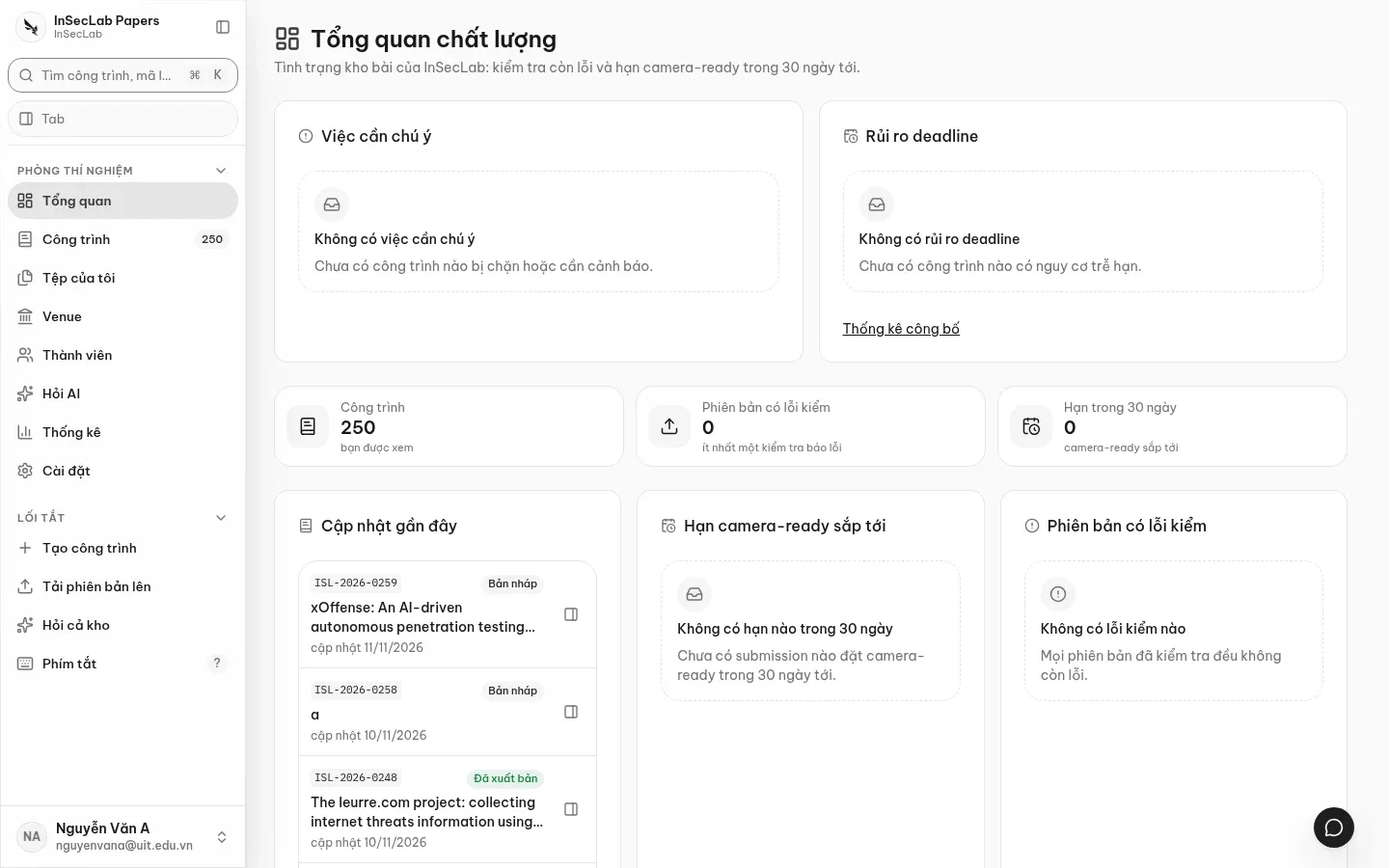
Section titled “Lab head”- Việc cần chú ý (Needs attention): works that are blocked or need a warning (failing checks, unresolved comments…).
- Rủi ro deadline (Deadline risk): works at risk of missing a deadline; with a link to Thống kê công bố (Publication statistics).
Researcher
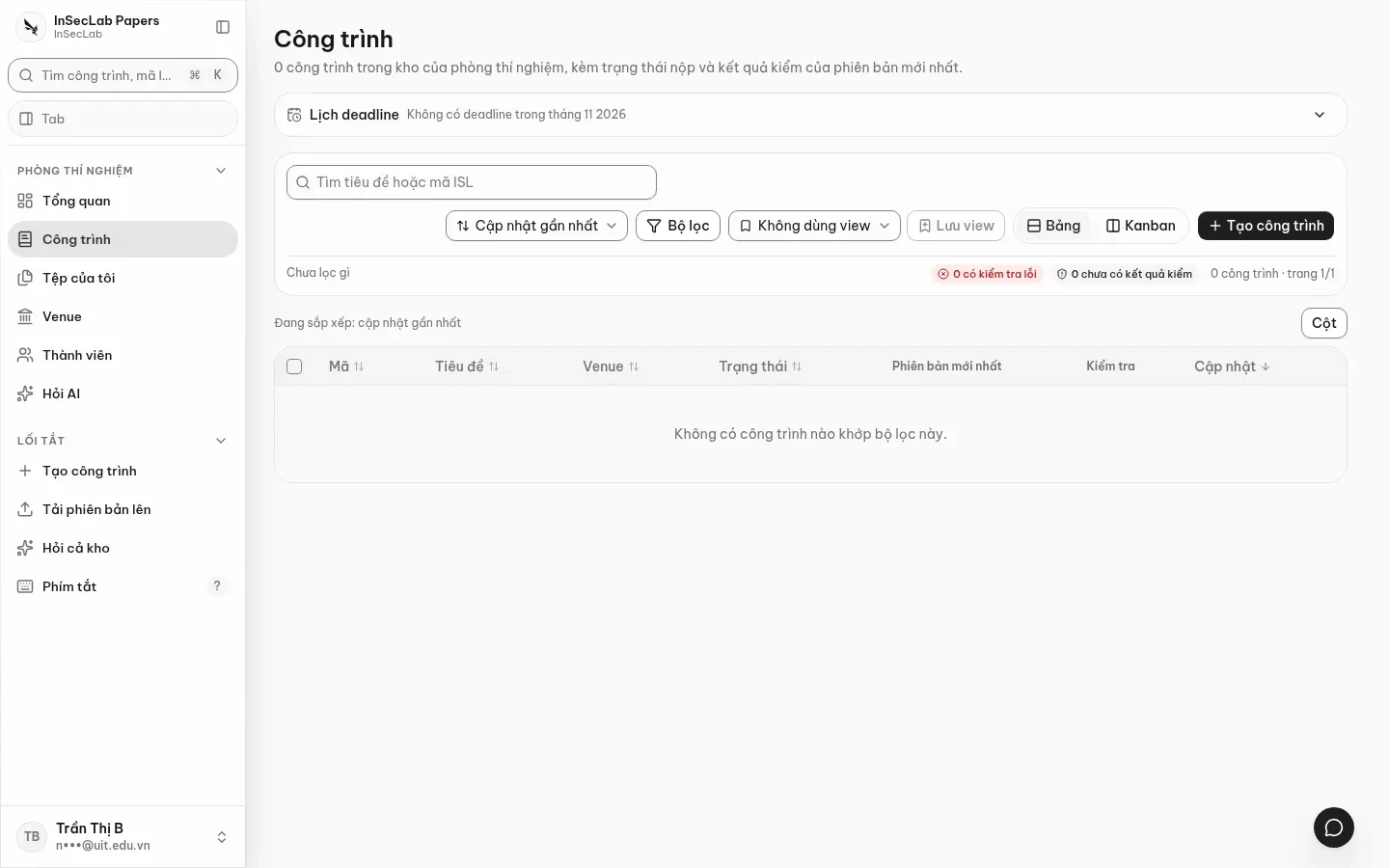
Section titled “Researcher”The Việc của tôi (My tasks) block lists the to-dos on the works you belong to. This list and the Cần làm (To do) row in the work page header come from the same source, so they always match. If the lab has no works yet, the page shows three getting-started steps: invite members, create a work, upload the first version.
Figures and cards
Section titled “Figures and cards”Below are three counters; click one to open the matching list:
| Counter | Meaning |
|---|---|
| Công trình (Works) | Number of works you can see |
| Phiên bản có lỗi kiểm (Versions with failing checks) | Versions with at least one failing check |
| Hạn trong 30 ngày (Due in 30 days) | Upcoming camera-ready deadlines |
Three cards at the bottom: Cập nhật gần đây (Recent updates), Hạn camera-ready sắp tới (Upcoming camera-ready deadlines), Phiên bản có lỗi kiểm (Versions with failing checks). Click a row to open the work page, or the button on the right of the row to open it in the work window.
day