Reading check results
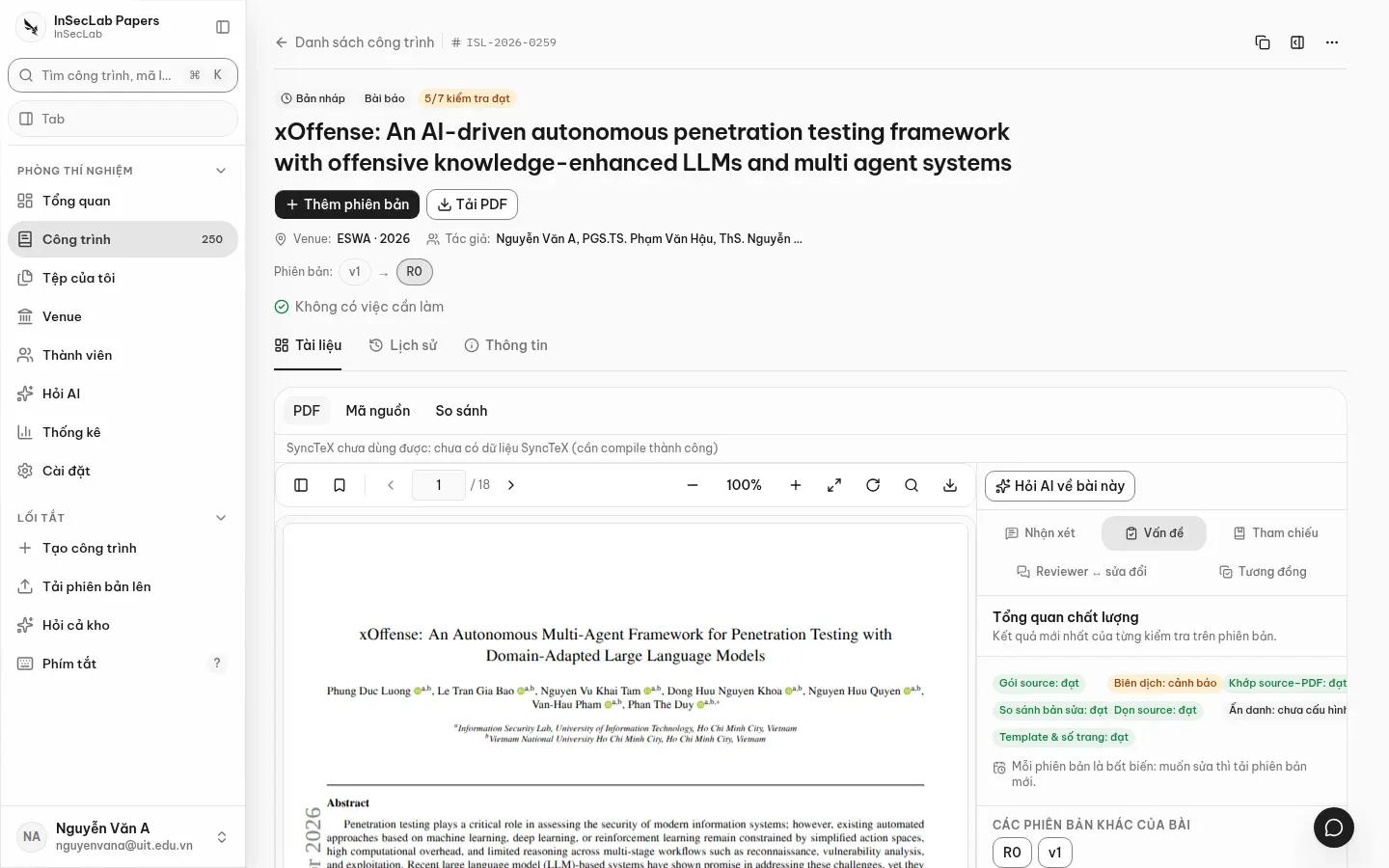
Each version has a quality report made of 10 checks. Results are in the Vấn đề (Issues) panel of the Documents tab; a check that has not run is still listed with the status "Chưa chạy" (Not run) instead of being hidden.
Statuses
Section titled “Statuses”| Status | Meaning |
|---|---|
Đạt (pass) |
Meets the requirement |
Cần xem lại (warn) |
Something worth a look, not blocking |
Không đạt (fail) |
Does not meet the requirement |
Lỗi (error) |
Could not run (TeX error, PDF without a text layer, network error…). This is not a pass |
Chưa cấu hình (not_configured) |
Not enough to run the check (venue is not double-blind, Turnitin not configured…) |
| Chưa chạy (Not run) | This check has not run on the version |
The ten checks
Section titled “The ten checks”| Check | What it does |
|---|---|
| Toàn vẹn gói source (Source package integrity) | The zip is readable, has no path escaping the folder (zip-slip) or symlinks, and is within size limits; no zip is an error |
| Biên dịch LaTeX (LaTeX compile) | Runs latexmk in a separate TeX service; a TeX error is Lỗi with the ! … block; warnings such as Overfull boxes are Cần xem lại |
| Khớp source ↔ PDF nộp (Source ↔ submitted PDF match) | Whether the PDF you submitted really is the one compiled from the source: Dice coefficient ≥ 0.98 and coverage ≥ 0.99 pass; 0.95–0.98 needs a look; a scanned PDF or one without extractable text is an error |
| So sánh với bản trước (Compare with previous) | latexdiff PDF against the previous version (lines added/removed); no previous version means not configured |
| Dọn source (Source cleanup) | Files in the zip that no compile read, comments, TODO, chktex warnings: evidence for cleanup, not a verdict |
| Ẩn danh (Anonymity) | Only runs when the venue edition is double-blind: names, emails, affiliations in the source; author metadata and arXiv stamps in the PDF |
| Template và số trang (Template and page count) | \documentclass against the venue's template; page count against the page limit; a mismatch needs a look |
| Kiểm tài liệu tham khảo (Reference check) | Checks each entry against DOI, Crossref, DataCite, OpenAlex, arXiv (and Semantic Scholar if a key is set) |
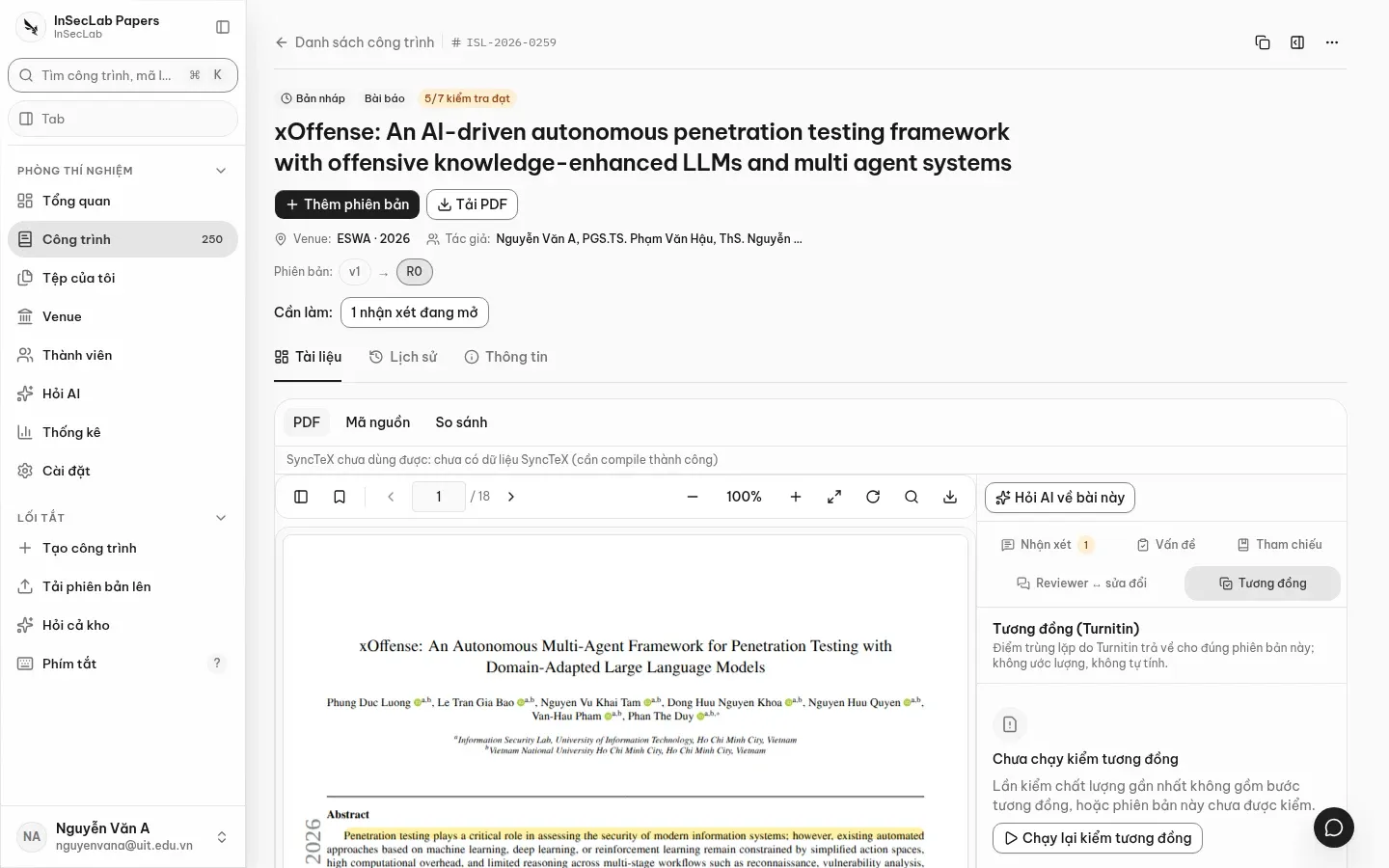
| Tương đồng (Similarity) | Turnitin; when not configured it makes no network call and shows no fake percentage |
| Đối chiếu reviewer (Reviewer cross-check) | Matches reviewer comments against the diff; needs a previous version and imported reviews (see Reviews and reviewer cross-check) |
See the evidence and rerun
Section titled “See the evidence and rerun”Click a row to open its findings. The example below is the LaTeX compile check reporting Cần xem lại because of "39 hộp Overfull trong bản compile" (39 Overfull boxes in the compile).
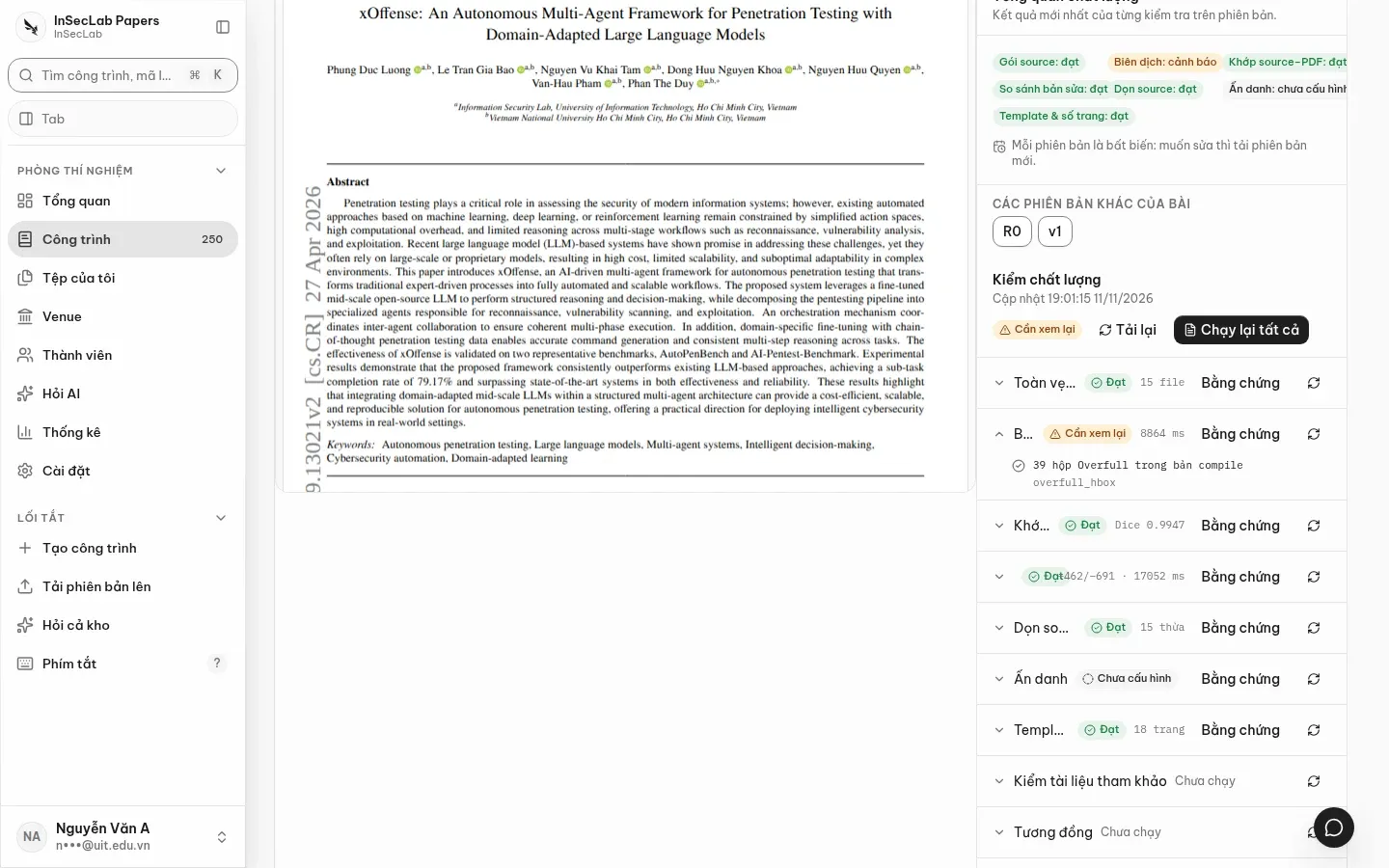
- Bằng chứng (Evidence): opens the check run's artifact in the work window (compile log, PDF diff, flattened TeX).
- Chạy lại (Rerun) on each row, or Chạy lại tất cả (Rerun all); Tải lại (Reload) refreshes the table when the worker has just finished.
- When a finding points to a source line, click it to jump to Source mode.
References
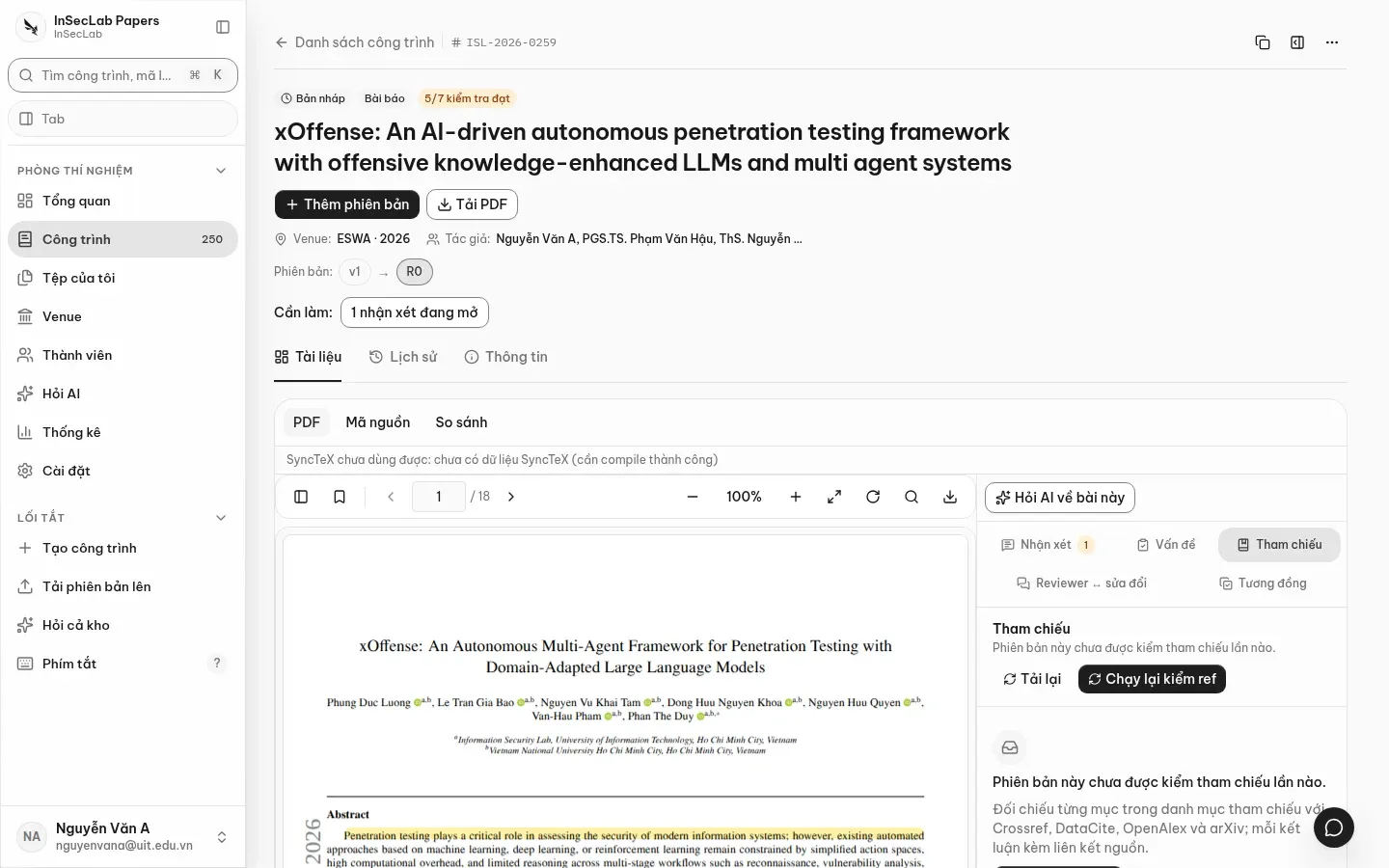
Section titled “References”The Tham chiếu (References) panel has a table of every bibliography entry, its verdict and a source link or suggested DOI. Click Chạy lại kiểm ref (Rerun reference check) to run it; the table updates when the worker finishes.
latexdiff comparison
Section titled “latexdiff comparison”The So sánh (Compare) mode of the Documents tab shows the latexdiff PDF or a TeX text diff. It needs the artifact of a check run that had a previous version; if there is none, the page says so. See Work page.
Similarity
Section titled “Similarity”The Tương đồng (Turnitin) (Similarity) panel shows the overlap score Turnitin returned for exactly that version; nothing is estimated or computed locally. If Turnitin is not configured, the panel says so and links to Settings → Similarity. Once configured, run it and see the percentage, matching sources and a link to the PDF report (valid for 600 seconds).