

Ask AI
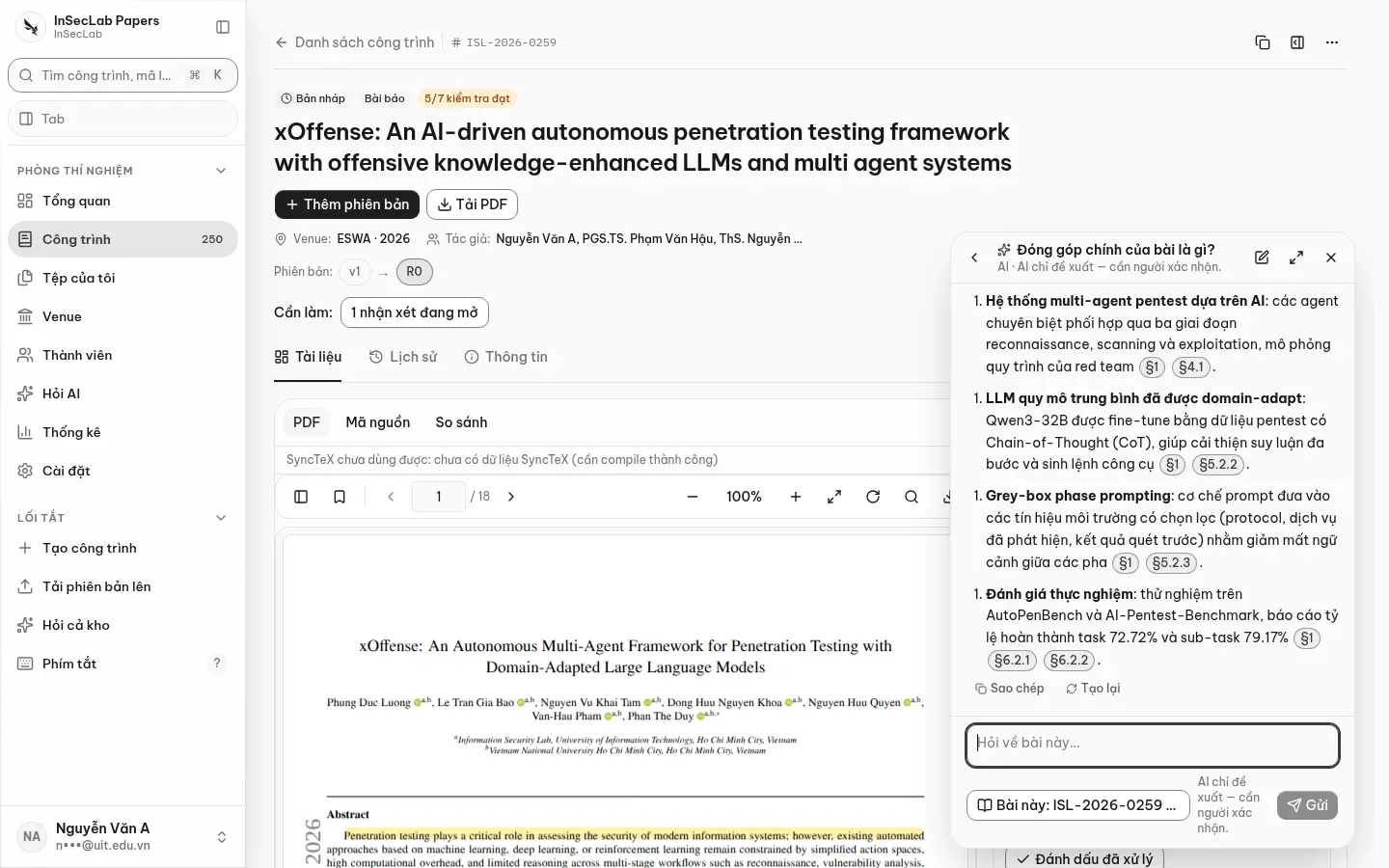
Ask AI is a chat widget available on every page. Ask about one specific paper or the lab's whole repository; answers come with citations so you can verify them. Every answer is labelled as AI and is only a suggestion.
Open Ask AI
Section titled “Open Ask AI”⌘J/Ctrl+Jon any page, Hỏi AI (Ask AI) in the sidebar, or the round button at the bottom right.- The Hỏi AI về bài này (Ask AI about this paper) button in the Documents tab opens the widget scoped to the paper you are viewing.
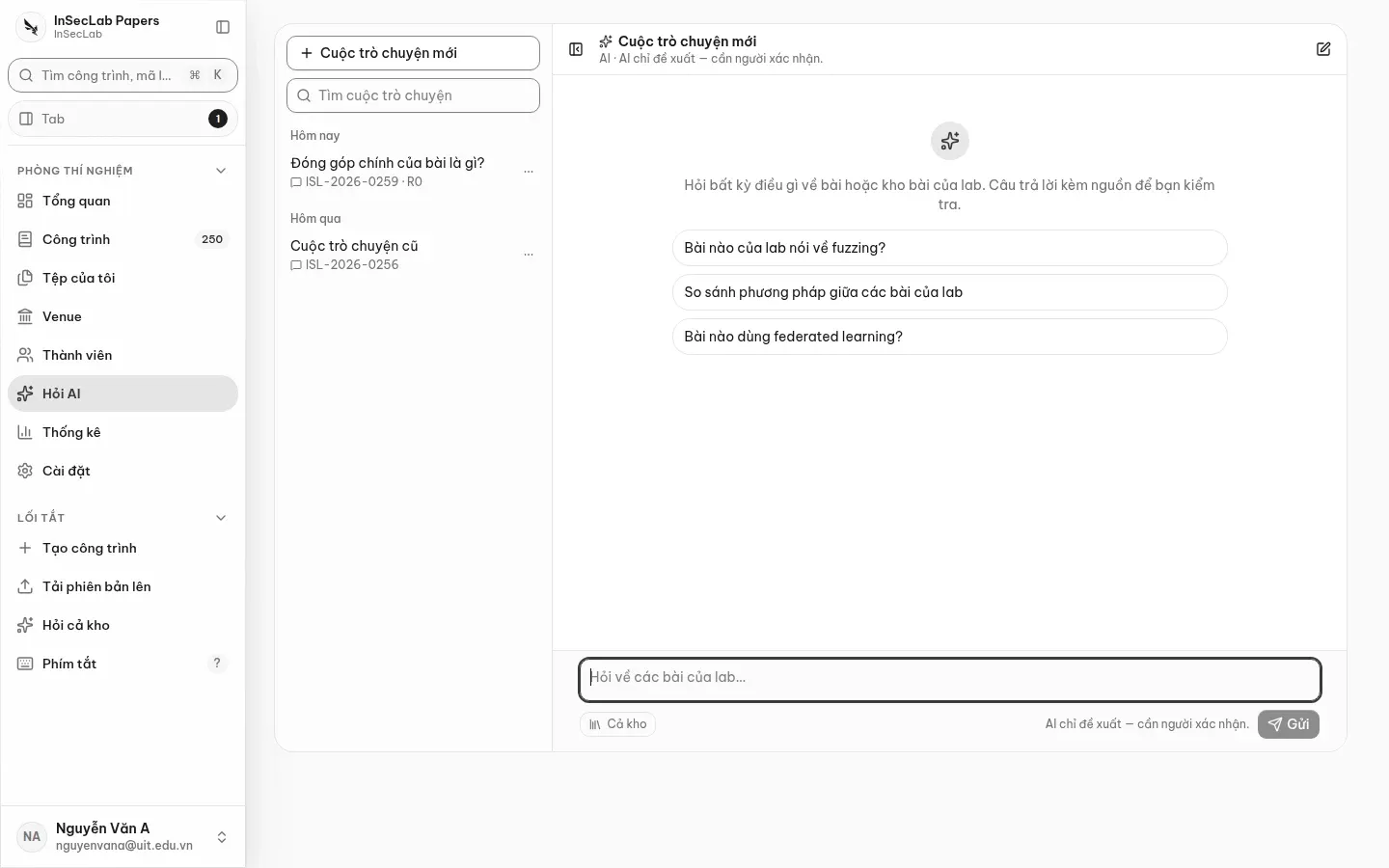
- On a phone the widget opens full screen. The Phóng to thành trang (Expand to page) button opens the conversation at
/app/ask/<id>.
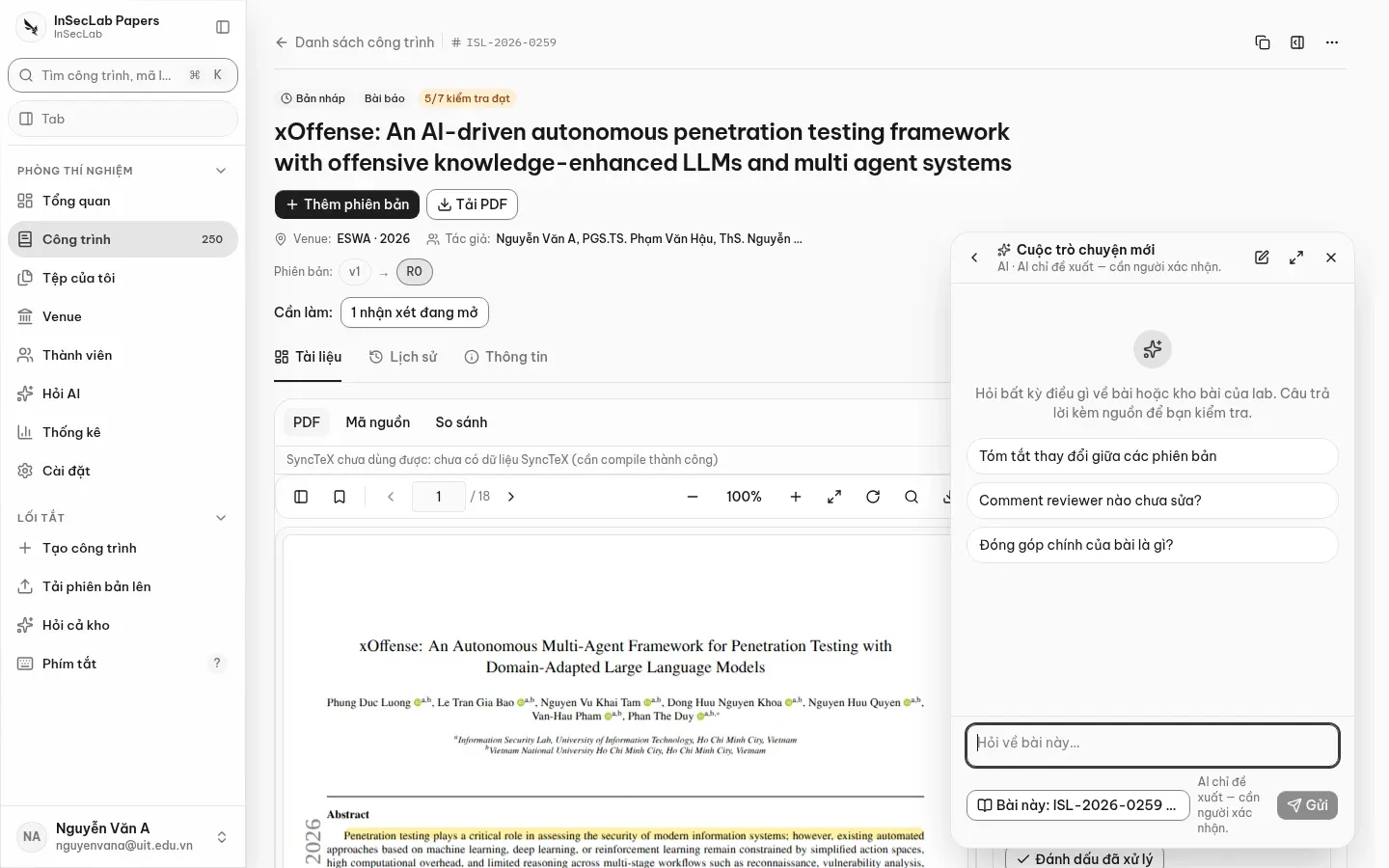
The Phạm vi hỏi (Scope) control in the composer:
| Scope | Searches |
|---|---|
| Bài này (This paper) | The full text of the work you are viewing (for example ISL-2026-0259 · R0) |
| Cả kho (Whole repository) | The works you are allowed to see; permissions are filtered before searching, so the AI never sees papers you cannot access |
Answers carry citation chips such as §4.1; click one to open that work in the work window.
Conversations
Section titled “Conversations”- Conversations are private to you: not even the lab head can read someone else's. The list on the left supports search, rename and delete; titles are set from the first question.
- Answers stream in; Dừng (Stop) keeps what has arrived. Each answer has Sao chép (Copy) and Tạo lại (Regenerate); the last question has Sửa câu hỏi (Edit question).
- A conversation scoped to one paper is hidden if you no longer have access to that work.
Limits
Section titled “Limits”- A paper must be indexed first: this runs automatically once the version has its required files. Right after an upload, wait for the worker to finish before asking.
- AI must be configured in Settings → AI. If not, you get
ai_not_configured; when the cost cap is reached you getai_budget_exceededright in the conversation, never a made-up answer. - Each account can ask at most 20 questions per hour.