

My files
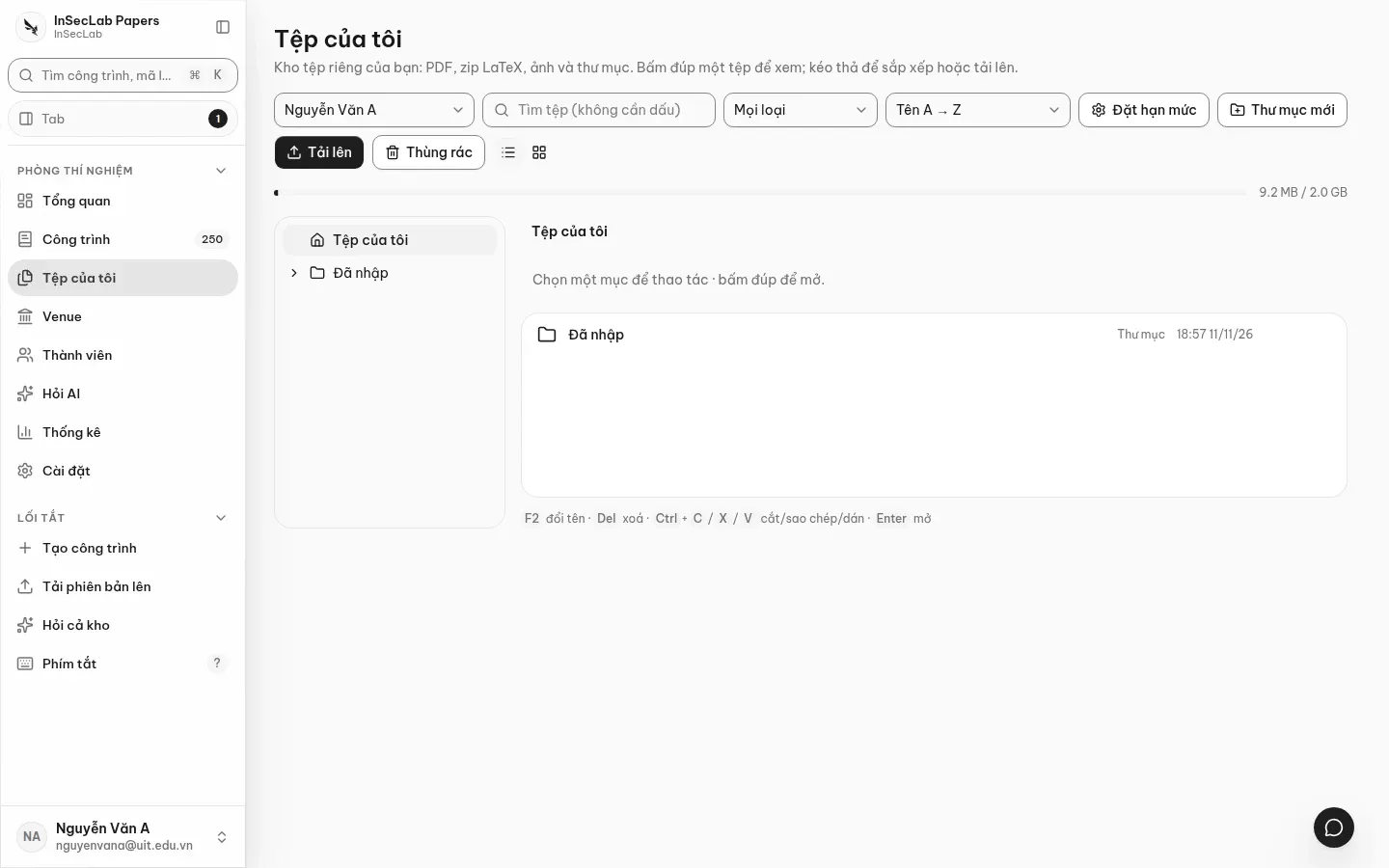
Tệp của tôi (My files, /app/files) is your private file storage: PDFs, LaTeX zips, images and folders. Other researchers cannot see it; the lab head can only browse and download (logged in the audit log), never edit, delete or move your files.
Upload
Section titled “Upload”Click Tải lên (Upload) or drag files from your computer into the list. The queue shows progress; you can cancel an upload before it finishes.
| Limit | Value |
|---|---|
| Per file | 200 MiB |
| Quota per person | 2 GiB (usage bar at the top; the lab head can change it with Đặt hạn mức/Set quota) |
| Same name in the same folder | Rejected |
Files dropped in Create a work or Add a version go into the Đã nhập (Imported) folder.
Manage
Section titled “Manage”- Thư mục mới (New folder), switch Dạng danh sách / Dạng lưới (List / Grid), Lọc theo loại (Filter by type), Sắp xếp (Sort), and the Tìm tệp (Search files) box (diacritics optional).
- Rename with
F2; move by drag and drop or cut/paste; copy/paste withCtrl/⌘+C,Ctrl/⌘+V; select all withCtrl/⌘+A; delete withDel. - A folder cannot be moved into itself or one of its subfolders.
Deleting is a soft delete: files go to the Thùng rác (Bin), are kept for 30 days, then deleted permanently and the space is returned. You can restore them during that time; restoring a file while its parent folder is still in the bin reports an error. Uploads left unfinished for more than 24 hours are also cleaned up.
Preview
Section titled “Preview”Double-click, press Enter or click Xem (View) to open a file in the work window (?open=file:<id>). PDFs, images, text and code are shown directly; HTML, SVG and other types are download-only and never rendered in the browser.
Create a version from files
Section titled “Create a version from files”Select a zip and a PDF → Tạo phiên bản từ file (Create version from files) → choose the work. This goes through the same flow as Add a version; the original files stay in your storage. In the other direction, Lưu vào Tệp của tôi (Save to My files) in the Info tab of the work page copies a version's file into your storage.
dat da